An audio interface is the single most important hardware purchase in any modern recording setup: more than your microphone, more than your monitors. It is the component that converts delicate analog voltage into digital bits (and back again), and a poor-quality interface introduces clock jitter, latency, and noise that no software plugin can fix afterward.
What an Audio Interface Actually Does
At its core, an interface performs three indispensable functions:
- Analog-to-Digital (AD) Conversion: Turning microphone or instrument voltages into uncompressed digital audio your DAW can record.
- Digital-to-Analog (DA) Conversion: Translating digital audio back into pristine analog signals for your monitors or headphones.
- Routing and Monitoring: Getting audio in and out of your computer with minimal delay (latency) while giving you full control over what you hear during tracking.
The Four Things That Actually Matter
1. Preamp Quality and Gain Margin
Microphone preamps boost weak capsule signals up to line level. Budget preamps introduce audible hiss and distortion at high gain; premium units (like those in the RME Babyface Pro FS and Fireface UCX II) offer up to 75 dB of ultra-clean, transparent gain with vanishingly low total harmonic distortion (THD+N < 0.0003%), critical for quiet ribbon or dynamic microphones.
2. Jitter-Free Digital Clocking (SteadyClock FS)
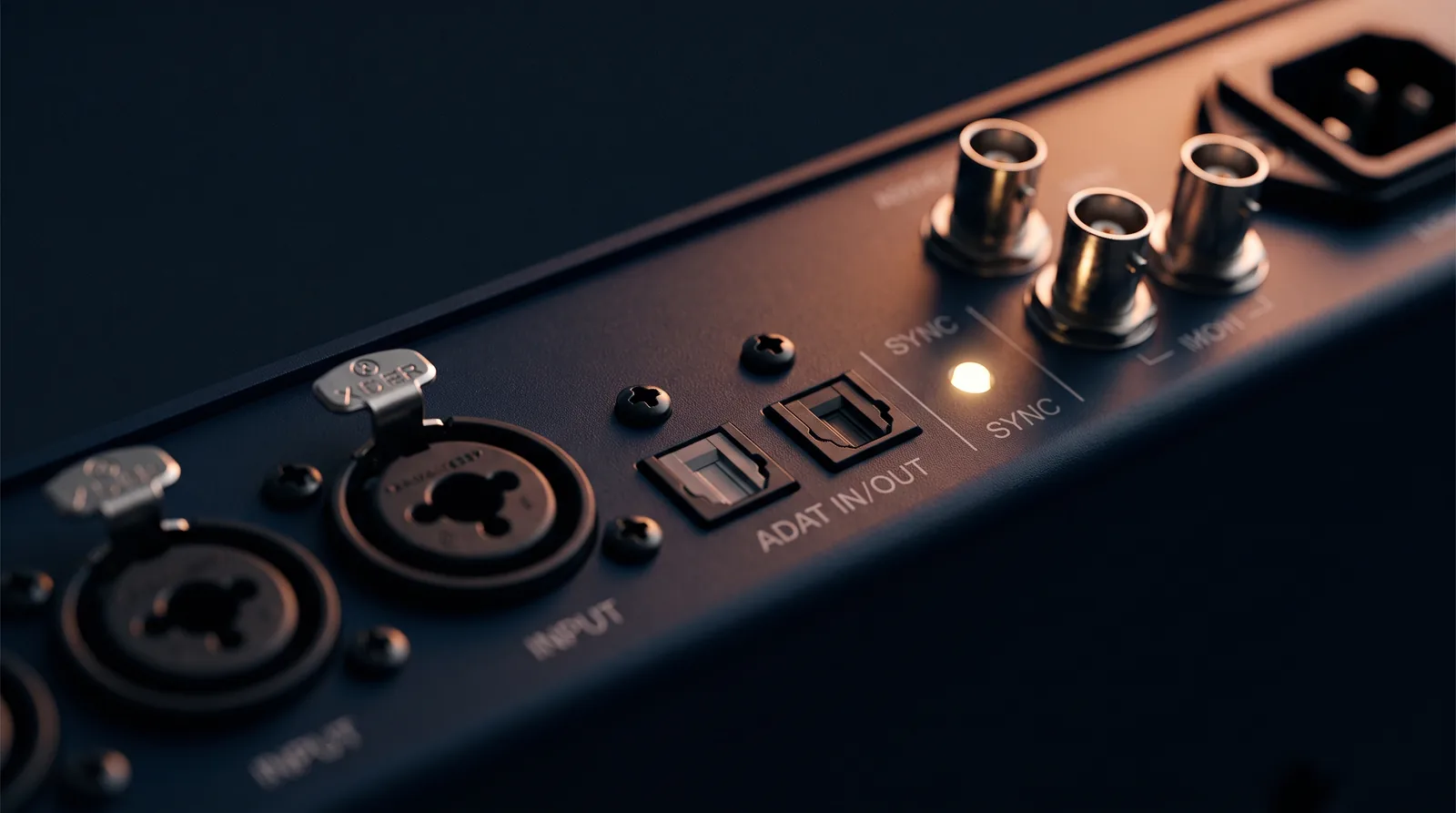
Digital converters require a master clock to time conversion cycles. Microscopic timing deviations (jitter) cause phase smearing and degrade high-frequency transient clarity. RME's proprietary SteadyClock FS technology achieves femtosecond-level jitter rejection (down to under a picosecond), maintaining crystal-clear phase coherence even when synchronizing outboard preamps across ADAT or MADI optical links.
3. Round-Trip Latency
Latency is the round-trip delay between singing or playing a note and hearing it back in your headphones. High latency disrupts musical timing. Custom FPGA hardware drivers engineered by RME achieve ultra-low round-trip latency (sub-3ms at 96 kHz / 64 buffer), allowing artists to perform naturally with zero perceived delay.
4. Hardware DSP for Zero-Latency Monitoring
Rather than routing audio through your operating system and DAW plugins (which adds latency at every software buffer), interfaces with onboard DSP (like RME TotalMix FX) allow you to apply parametric EQ, dynamics, and studio reverb directly on the interface FPGA in real time with zero added computer CPU load.
Connectivity: What to Look for Based on Your Studio Setup
| Setup Type | What You Need | Recommended Hardware |
|---|---|---|
| Solo Vocalist / Podcaster | 2 clean preamps, USB-C bus-powered | RME Babyface Pro FS |
| Project Studio / Multi-Instrumentalist | 4-8 preamps, line I/O, ADAT expansion | RME Fireface UCX II |
| Commercial Tracking Facility | MADI, AES/EBU, 188-channel routing | RME Fireface UFX III / MADIface |
Common Mistakes When Choosing an Interface
- Buying based on input count alone: Two clean, quiet preamps will serve you far better than eight noisy ones. Prioritize conversion and clock quality first, then scale channels via ADAT.
- Ignoring driver stability: Driver crashes disrupt client sessions. RME interfaces are revered worldwide because their in-house FPGA drivers run continuously 24/7 without dropouts on macOS and Windows.
- Skipping expansion capability: Choosing an interface with optical ADAT I/O allows you to add an 8-channel mic preamp down the road without replacing your main audio hub.